How to Manage Your Subscription
WorkNinja makes it easy for account administrators to view and manage their subscription from within the dashboard.
From the Plans & Billing area, you can see your current plan, manage your subscription, review your billing summary, update payment methods and access previous invoices.
Accessing Plans & Billing
To manage your subscription, go to:
Settings → Plans & Billing
You must have the appropriate administrator permissions to access subscription and billing information.
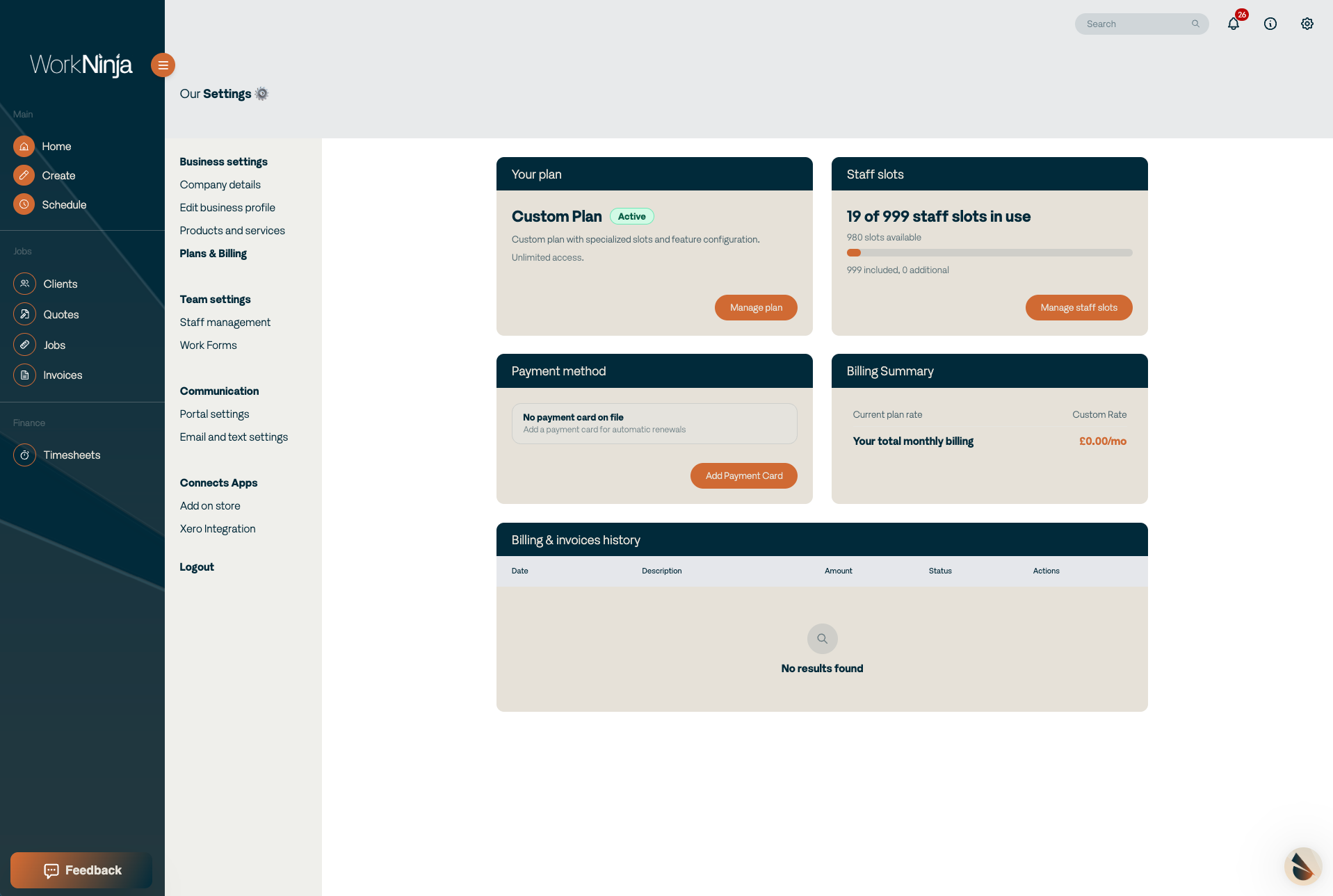
From the Plans & Billing page, you can see information including:
Your current WorkNinja plan
The number of seats included or being used
Your current subscription cost
Any additional extras or charges
Your payment methods
Previous invoices
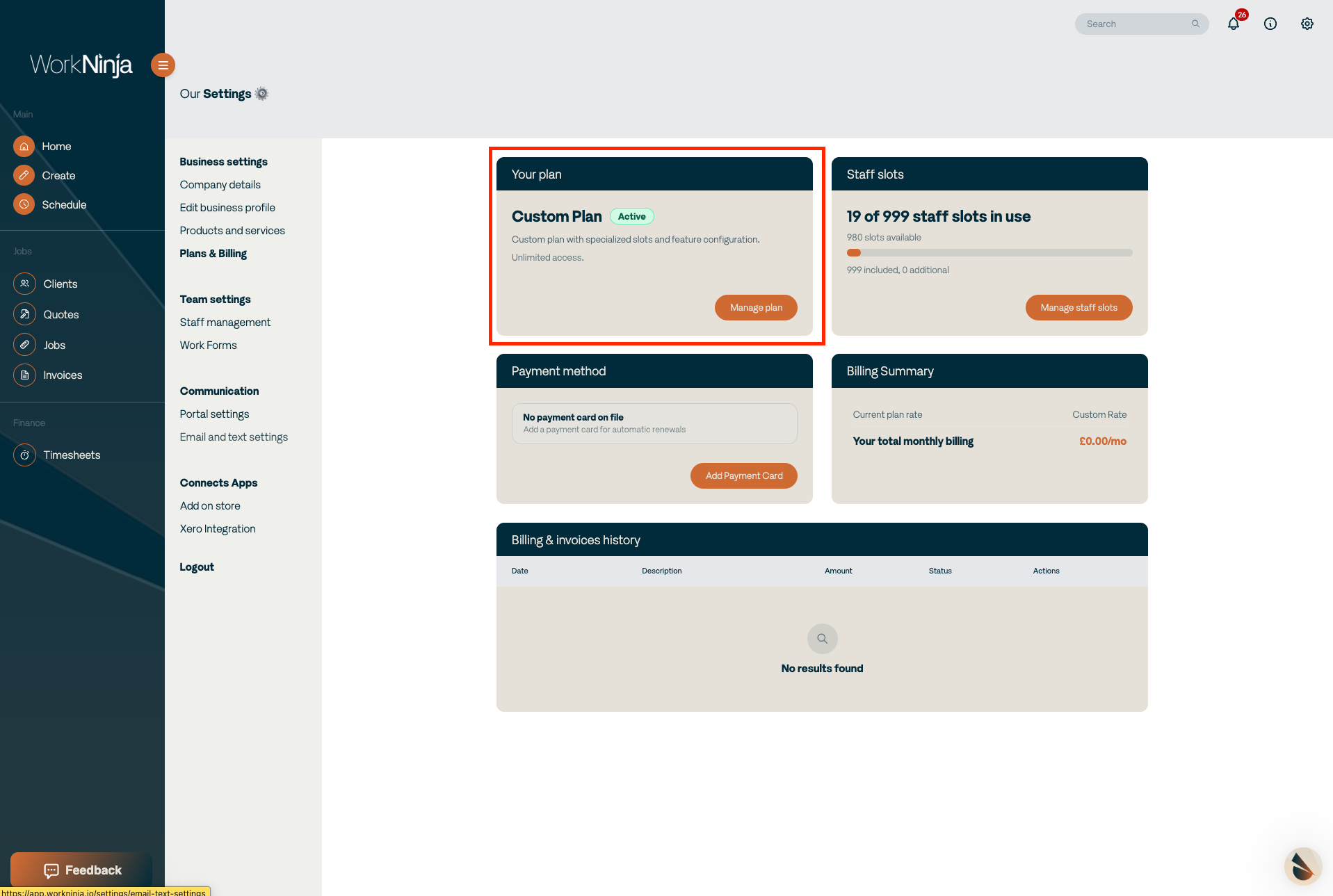
Managing Your Subscription
From this page, you can perform a number of subscription-related actions, including:
Change your WorkNinja plan
Switch between monthly and annual billing
Cancel your subscription
Add or manage payment cards
Download invoice PDFs
This page acts as the central location for managing the commercial side of your WorkNinja account.
Viewing Your Billing Summary
Your Billing Summary provides a breakdown of what you are currently paying for WorkNinja.
This includes your main subscription and any additional extras that form part of your account.
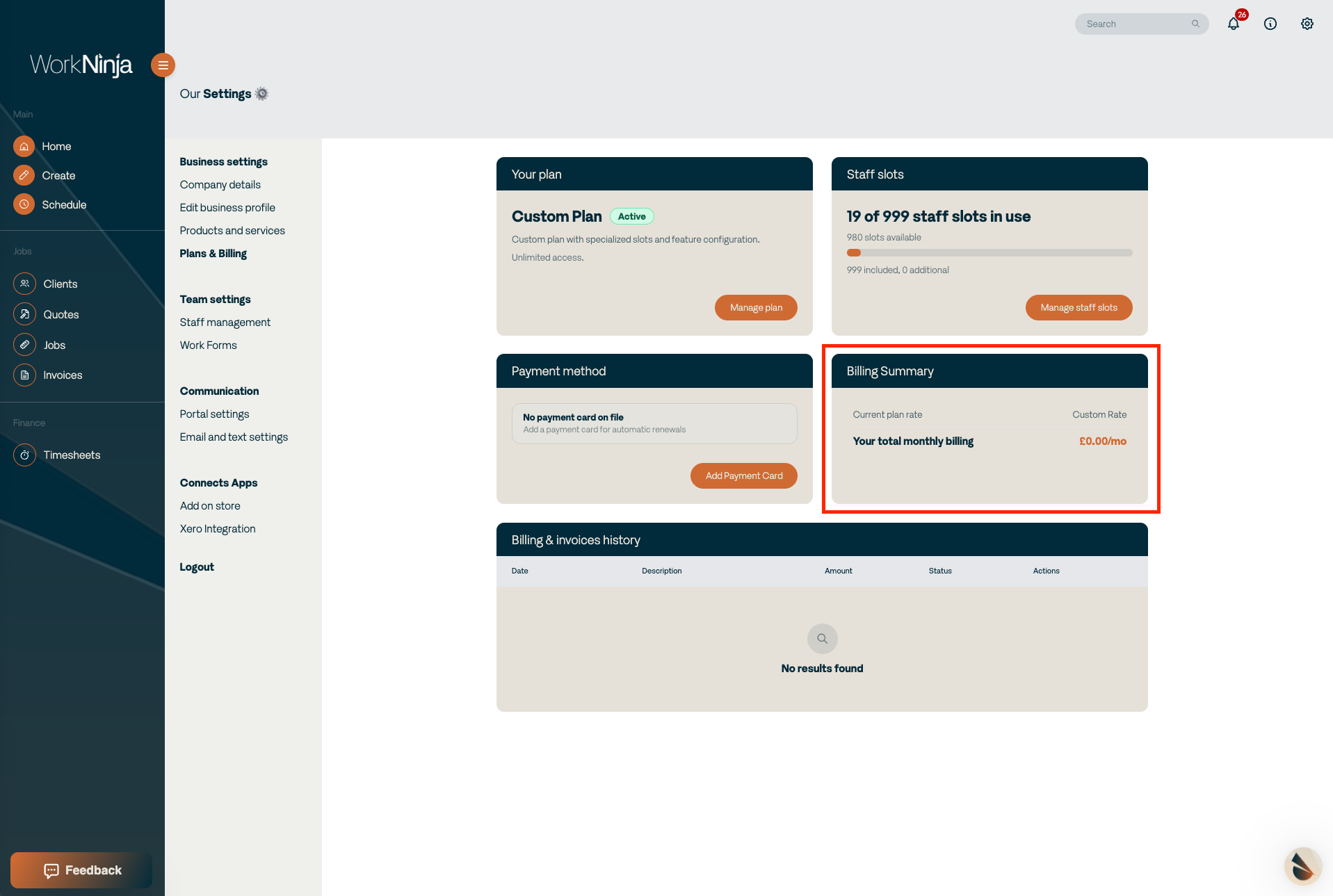
Reviewing this section can help you understand how your current WorkNinja subscription is calculated.
Important
Only users with the appropriate administrative permissions should be able to manage subscription and billing information.
Changes to your plan, billing frequency or subscription may affect the amount you are charged, so always review the information displayed before confirming a change.
Was this helpful?
Still need help? Ask the team