How to Download Your Invoices
WorkNinja keeps your subscription invoices available within the Plans & Billing section of your account. This allows administrators to quickly access copies for bookkeeping, accounting or internal records.
Viewing Your Invoices
Go to:
Settings → Plans & Billing
Scroll to the Invoices section.
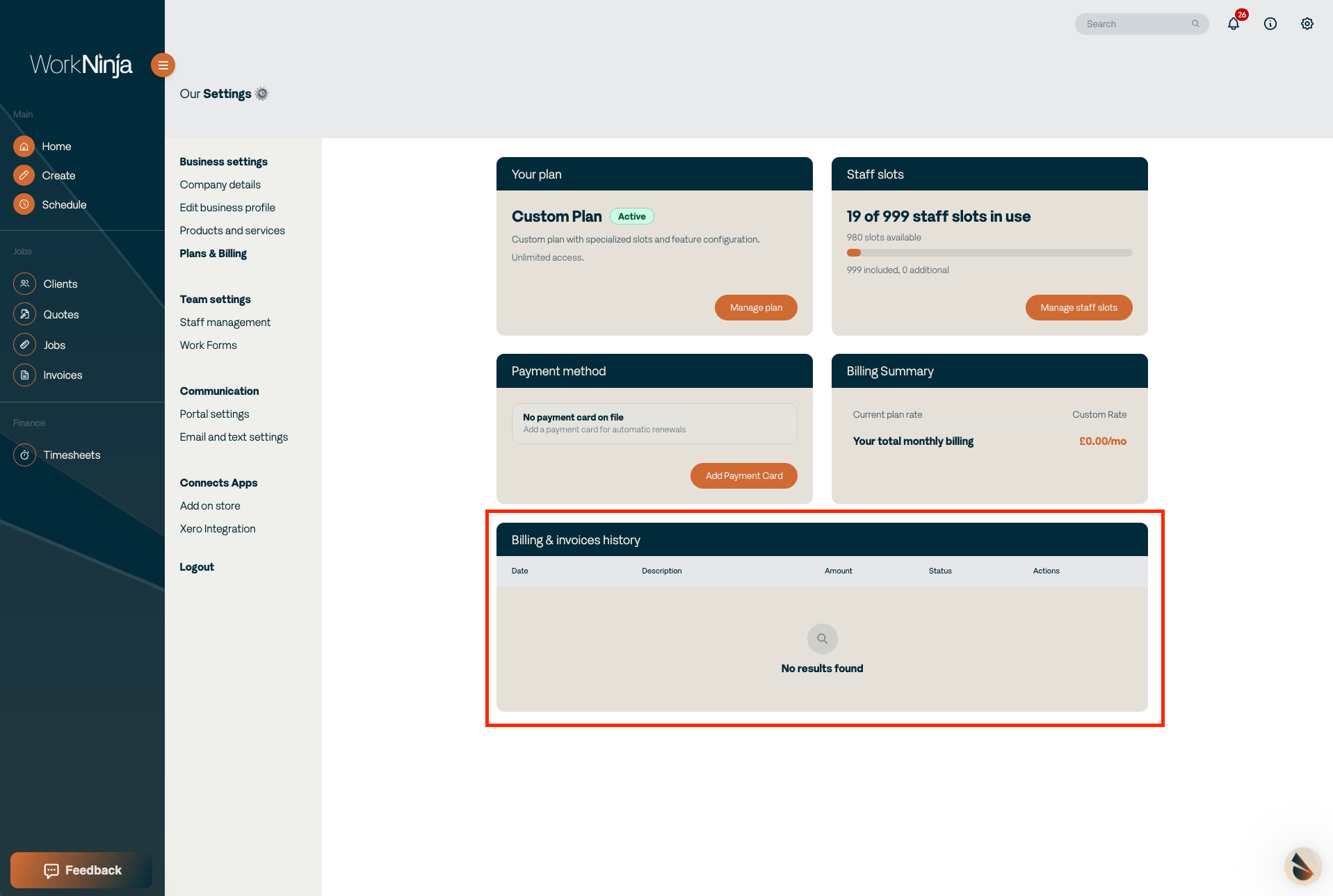
Your WorkNinja billing history will be displayed here.
Invoices relating to your subscription and relevant account changes will appear within this section.
Downloading an Invoice
Find the invoice you want to access and select:
Download Invoice PDF
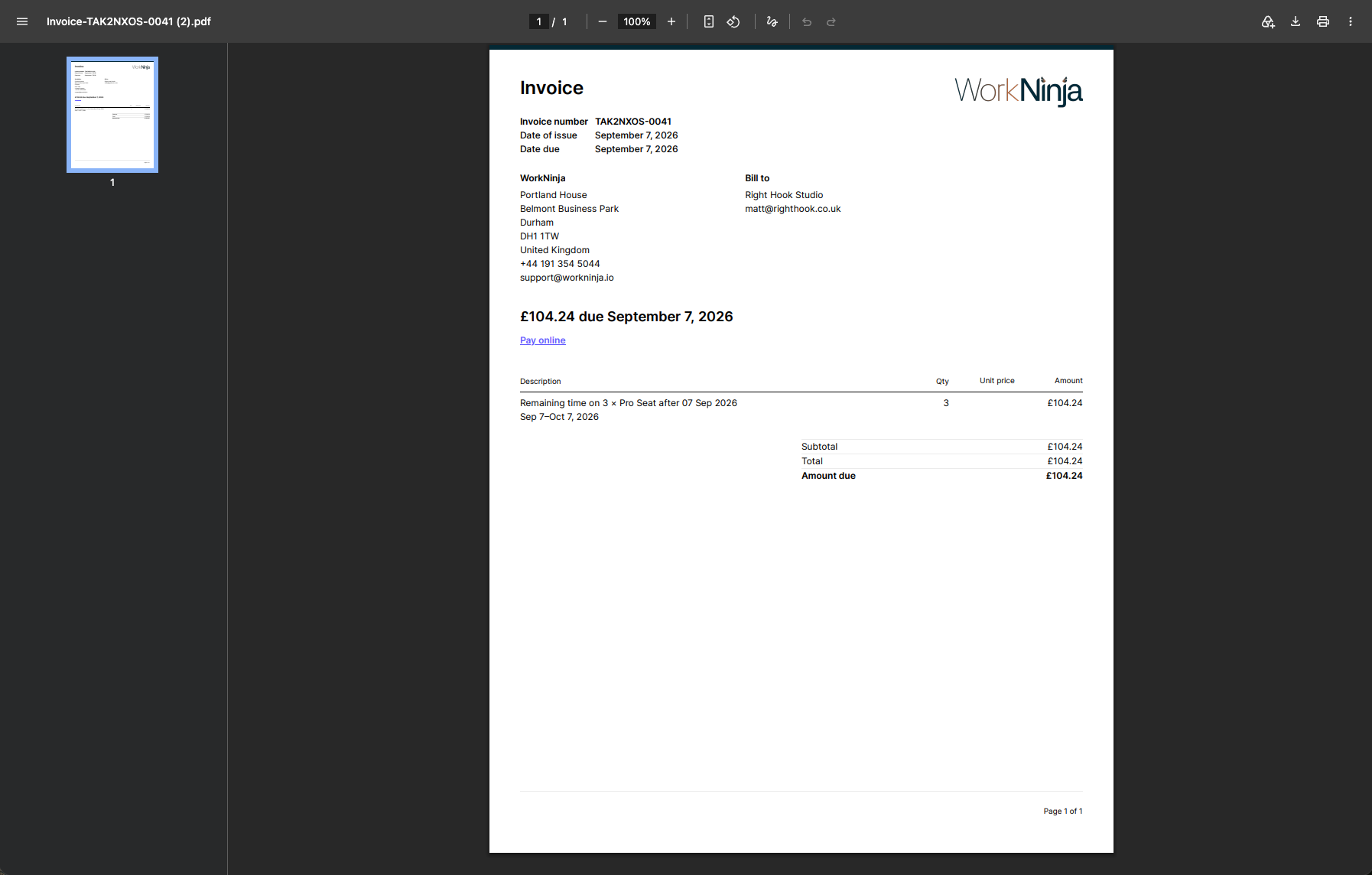
WorkNinja will generate the invoice as a PDF, which you can then save or view for your records.
Finding Previous Invoices
Previous billing documents remain listed within the invoice section, making it easy to return to older invoices when required.
This can be useful when reconciling your WorkNinja subscription against your accounts or providing documentation to your finance team.
Was this helpful?
Still need help? Ask the team