Changelog

Follow new updates and improvements to WorkNinja.

What we’ve shipped in 🥷 WorkNinja 🥷 this week [22 October] 🚀

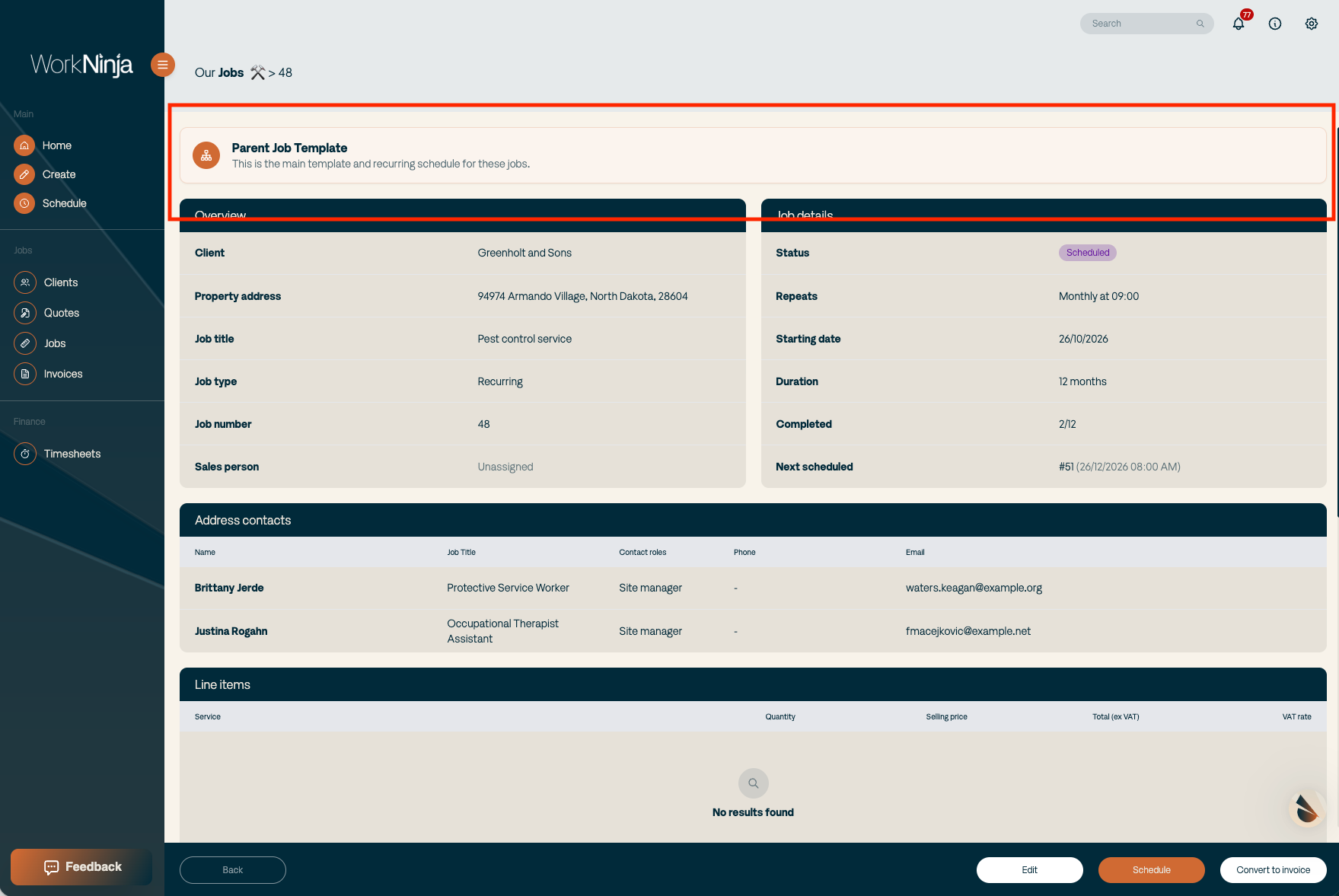
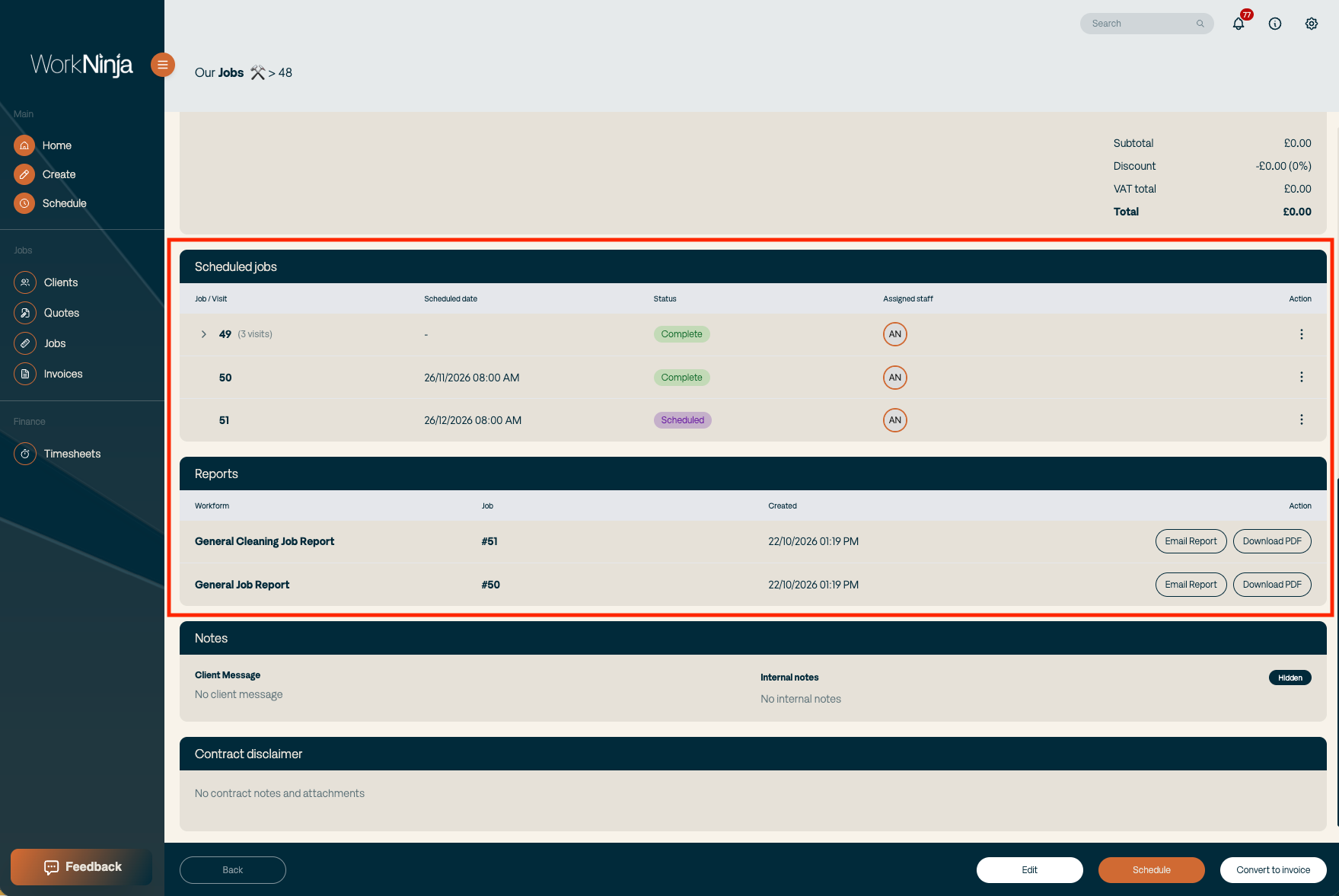
→ A much better way to manage recurring jobs. The parent job now acts as the home for the entire recurring contract. From one place you can see the jobs, visits, work forms and reports associated with that recurring schedule, including the history of work already completed. No more jumping between different jobs trying to piece together what’s happened previously.

We’ve carried the same logic across to the app too. It’s now much clearer when you’re working on a job that forms part of a recurring schedule, with easy navigation back to the parent job and the wider contract history.
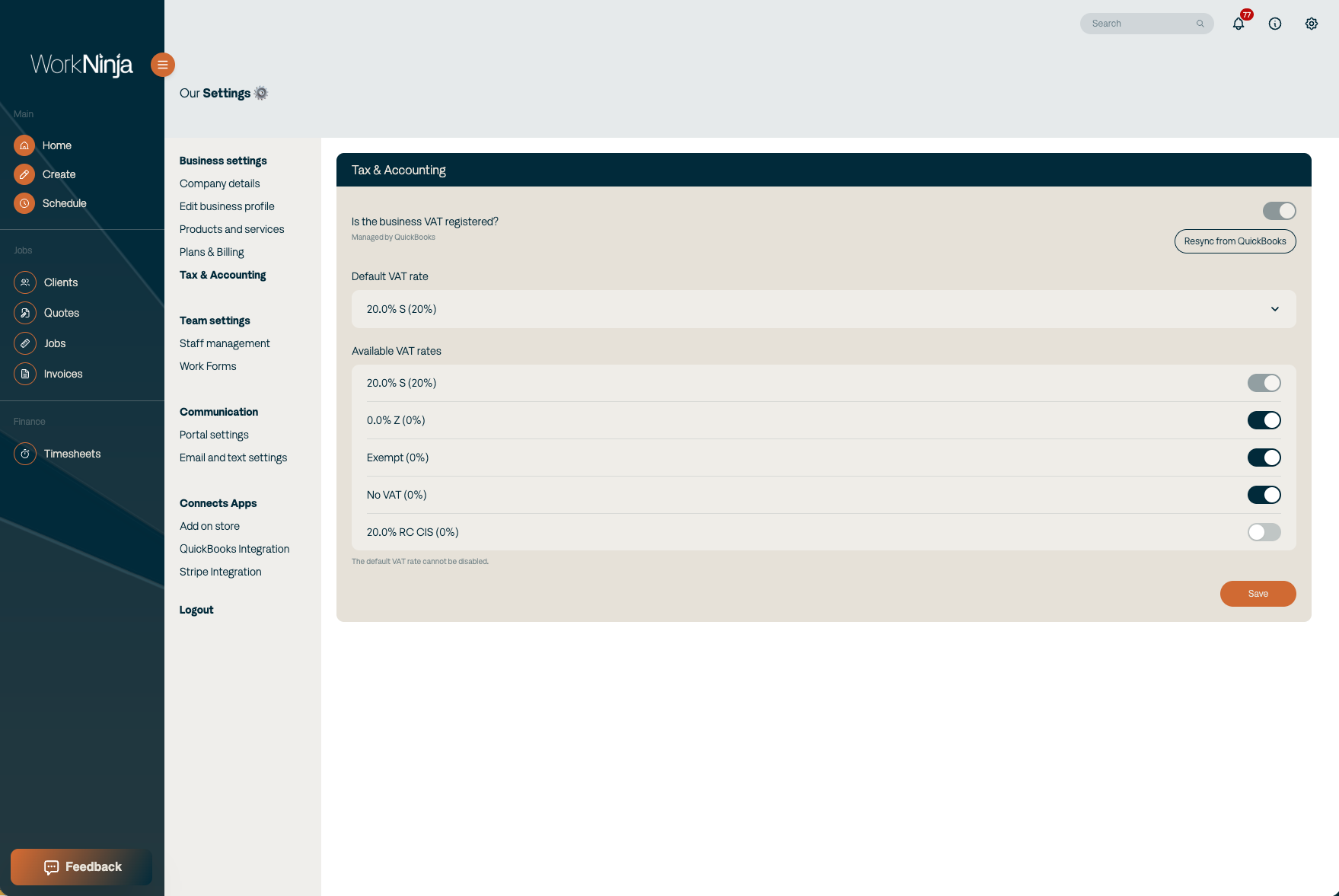
→ Much more flexible VAT configuration. Businesses can now tell WorkNinja whether they’re VAT registered, choose which VAT rates they use and define their default VAT treatment. If you’re not VAT registered, VAT stays out of the way rather than filling the system with irrelevant 0% fields.
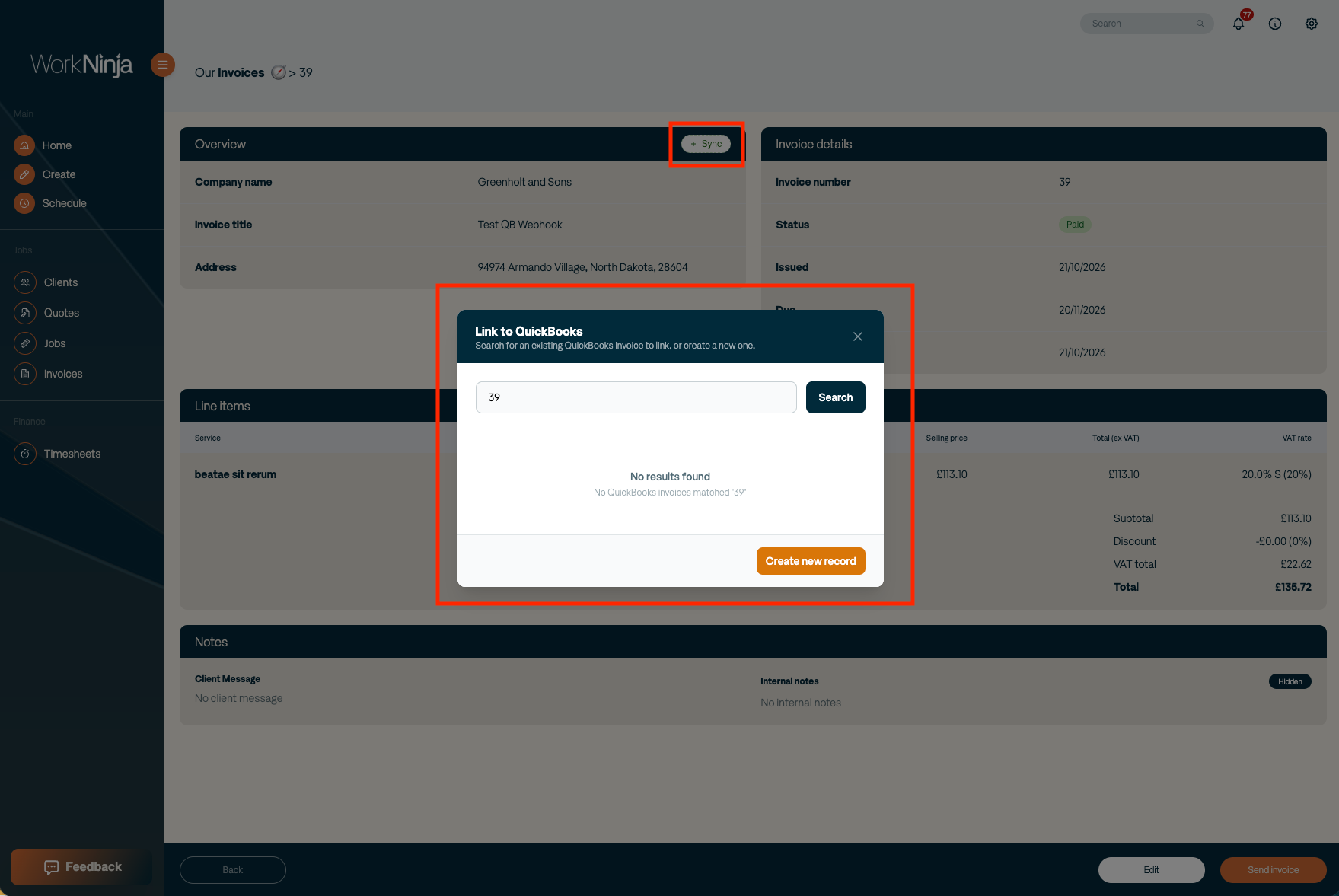
→ Deeper Xero & QuickBooks integrations. WorkNinja can now pull through the relevant tax rates from your accounting platform and map them correctly inside the system. Clients and invoices can be synced with Xero and QuickBooks, while payments reconciled within your accounting software are reflected back into WorkNinja.

Once an invoice is paid, WorkNinja knows about it too — updating the invoice status and giving you a clear paid indicator directly on the job.

What we’ve shipped in 🥷WorkNinja 🥷 this week [16 October] 🚀

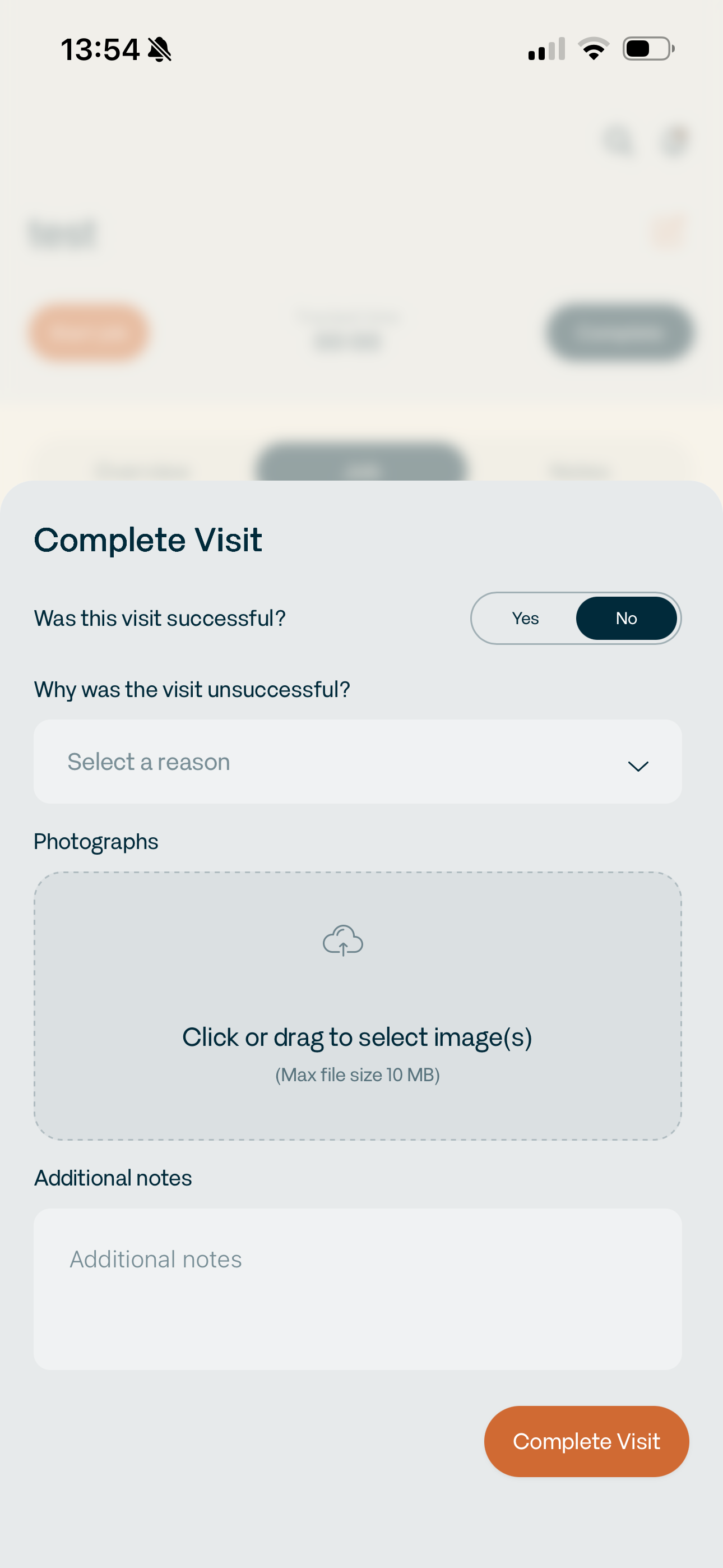
→ Mark visits as unsuccessful. Not every visit ends with the job being completed. You can now mark a visit as unsuccessful, select the reason — such as being unable to gain access to site — add supporting photos and store everything against the job for reconciliation later.

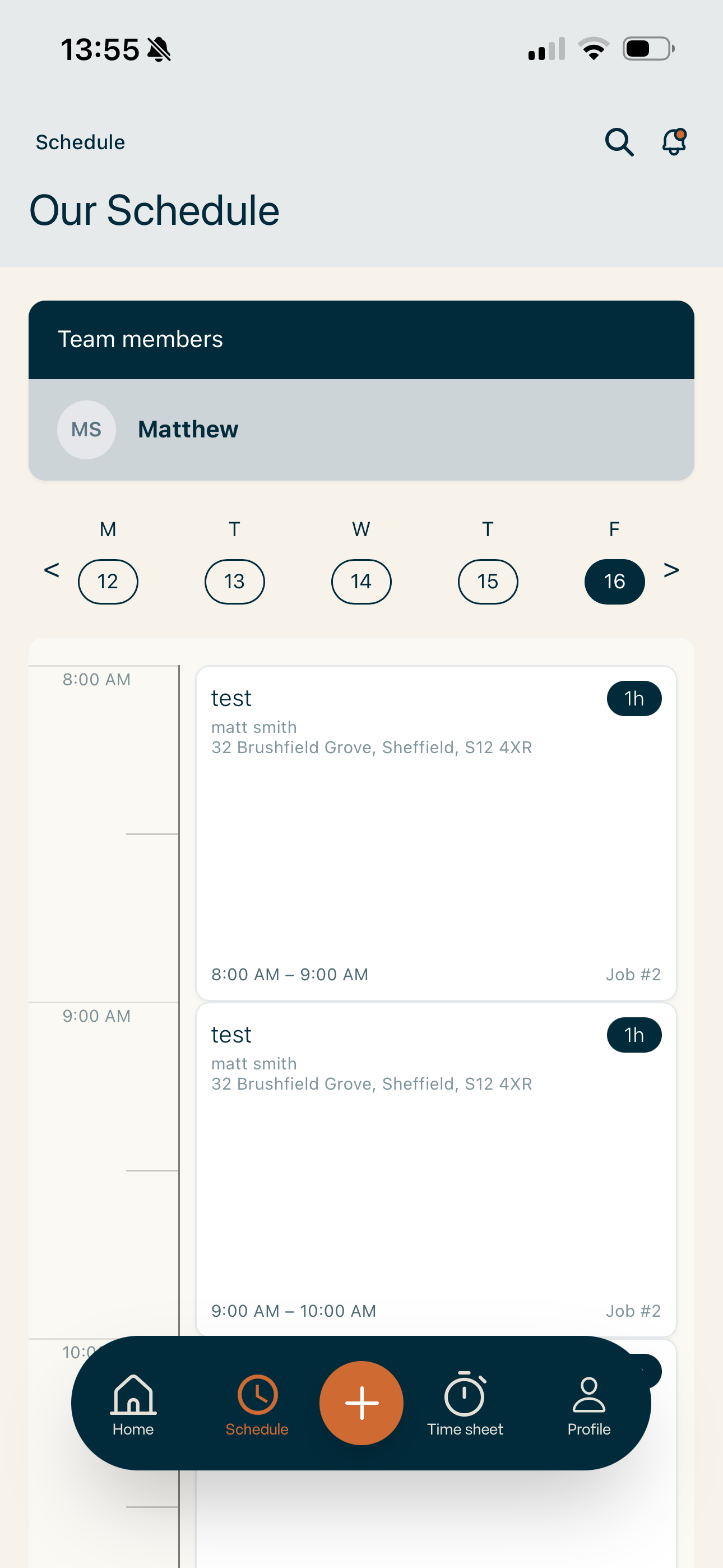
→ Improved scheduling across mobile and iPad. The app timeline is now much clearer, jobs can be dragged to rearrange the schedule, and we’ve made a range of UI/UX improvements across mobile and tablet. The scheduler now works much cleaner on iPad too, meaning you can properly manage the day without needing to jump back onto a desktop.

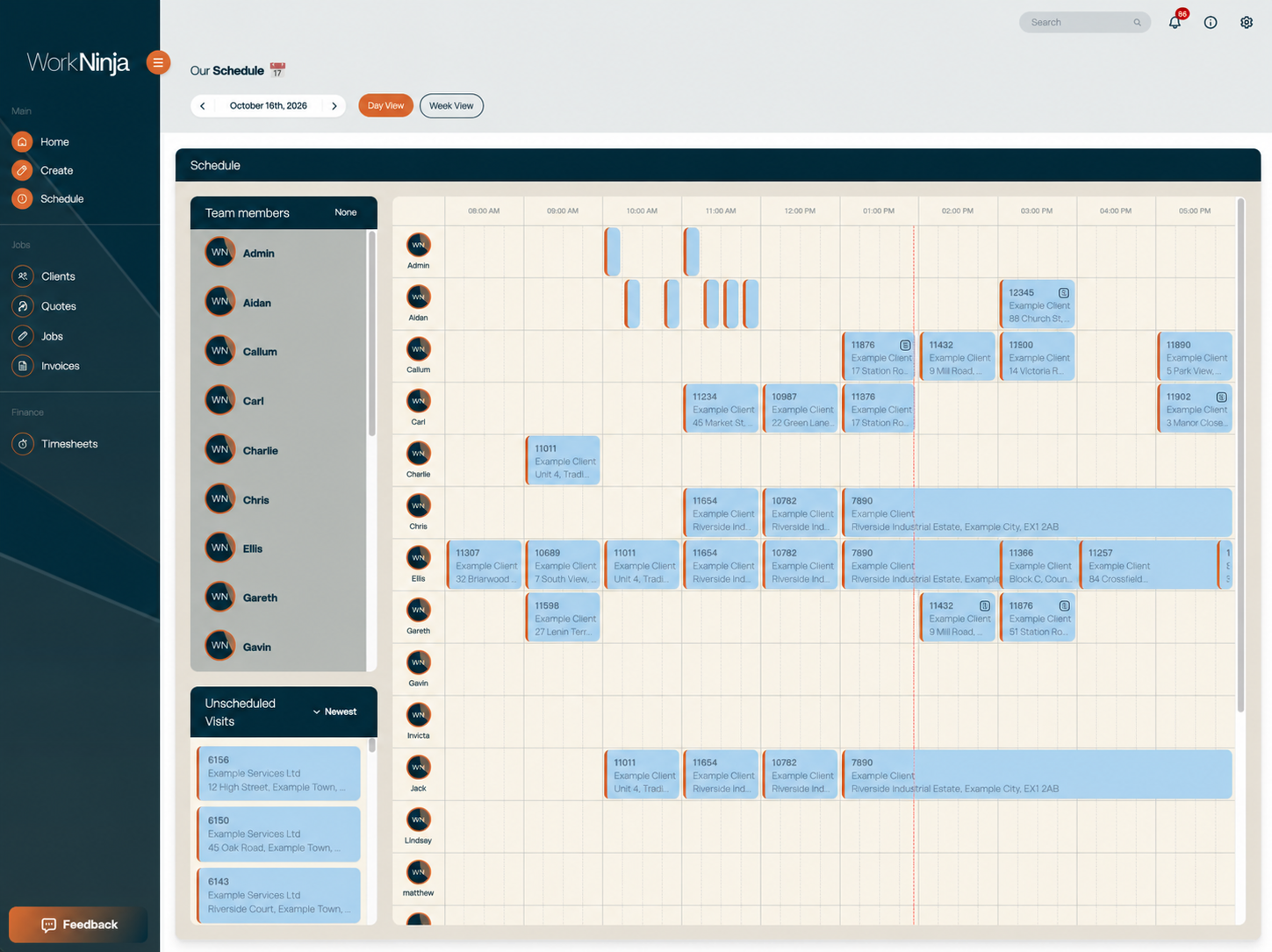
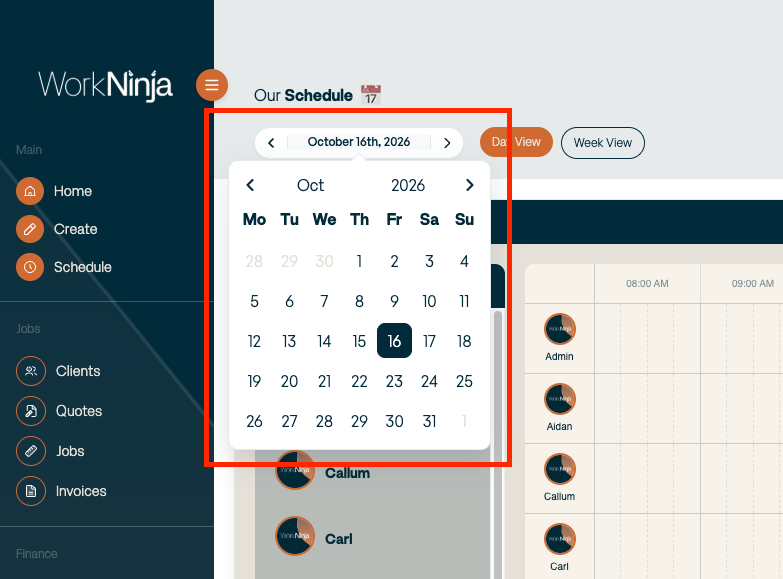
→ A faster, more useful dashboard scheduler. We’ve massively improved how the scheduler handles larger amounts of data, making the page noticeably faster. We’ve also added a calendar picker and improved the job cards so the information you actually need is visible directly within the schedule. Less clicking around just to work out what’s going on.

→ Simpler line items. We’ve cleaned up the way line items work across WorkNinja. Clearer messaging, less unnecessary information and a simpler structure focused around selling price and quantity, rather than showing unit cost where it isn’t needed.

→ More safeguards throughout the platform. Admins can no longer accidentally deactivate or delete their own account, and inactive clients are now removed from create screens so work can’t accidentally be created against a customer that has intentionally been made inactive.

What we’ve shipped in 🥷WorkNinja 🥷 this week [6 October] 🚀

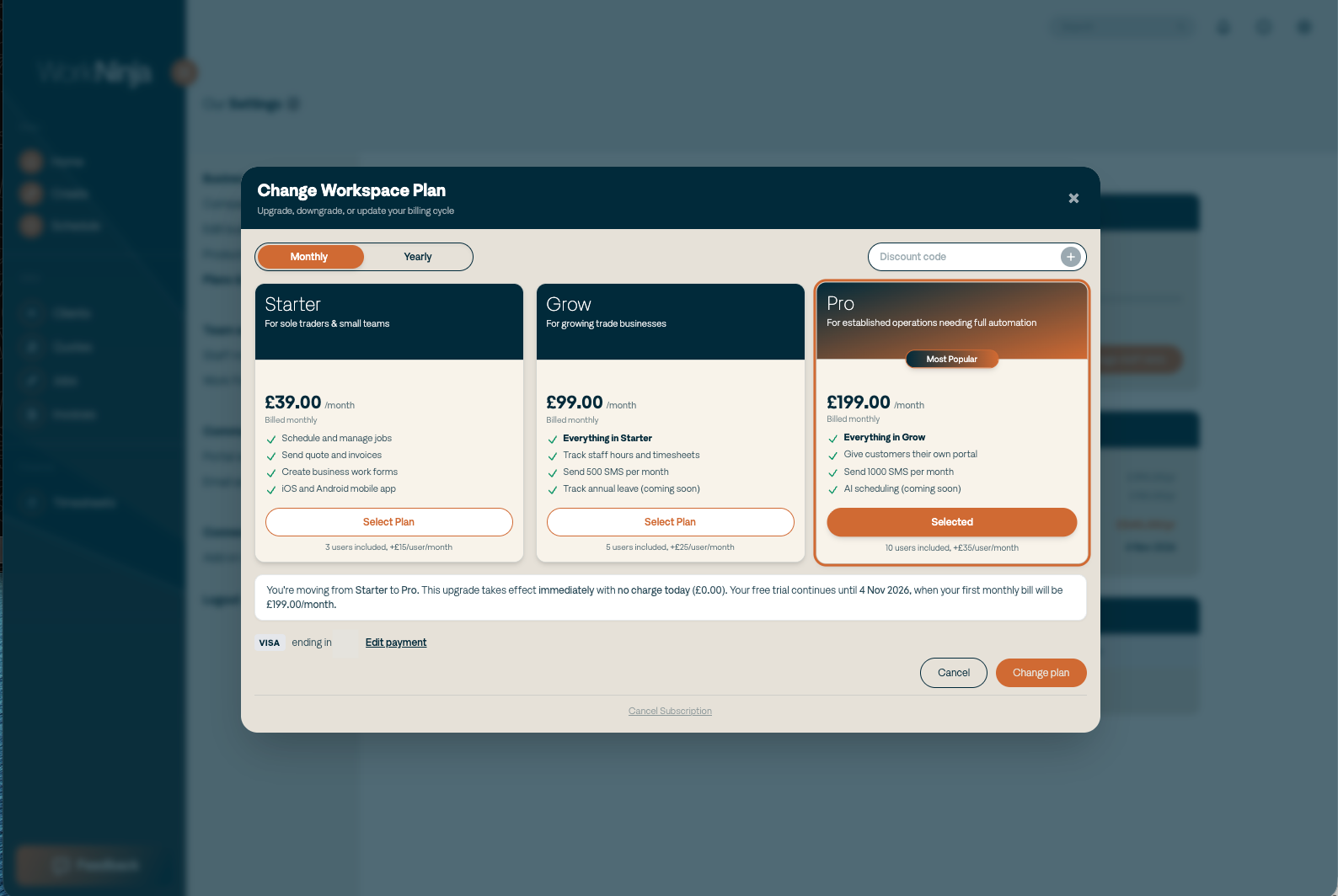
→ Self-service plans and billing. No need to sign a contract. No customer success manager trying to stop you from cancelling. Manage your own plan. Upgrade. Downgrade. Cancel. Everything is in your hands.

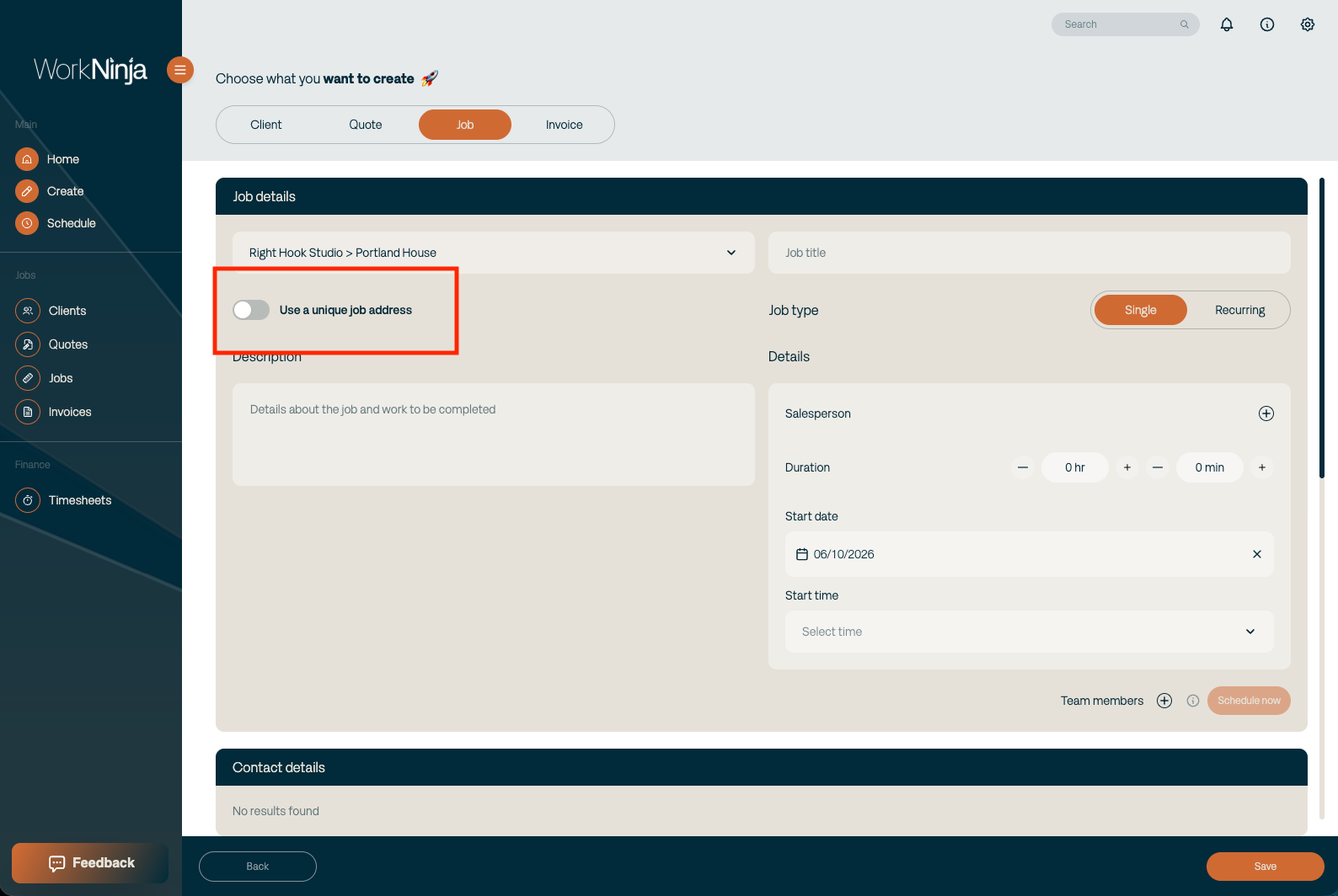
→ Unique job addresses. Perfect for businesses working across larger property portfolios, subcontracting or housing associations. No need to create a new customer or property before creating the job. Simply switch on "Use a unique job address" and enter the address for that specific job.

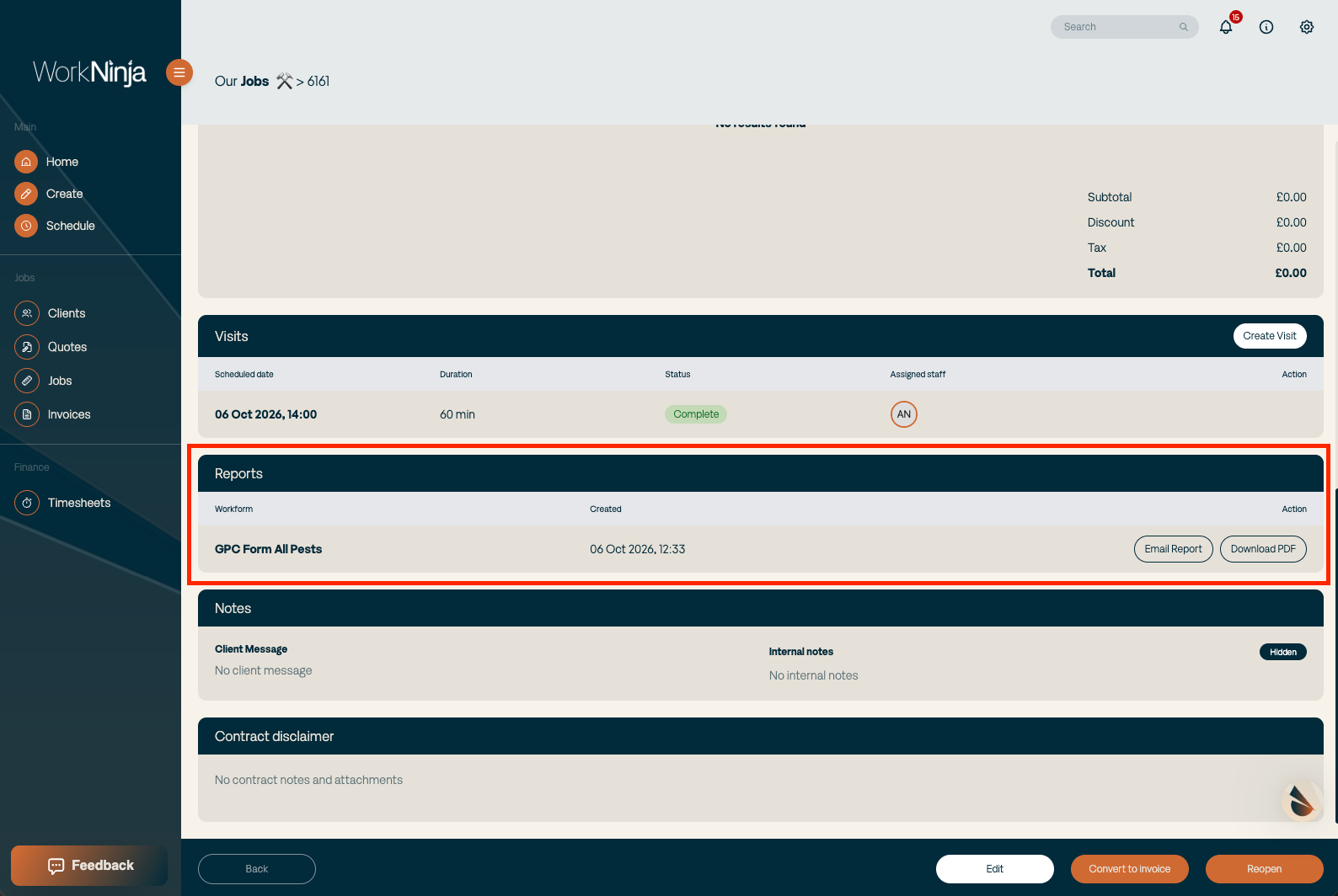
→ PDF generation has been completely rebuilt. Originally, we built WorkNinja to generate PDFs on demand. Fantastic for reducing storage and keeping margins higher. One big problem = SLOW. I’d rather take a slightly smaller margin and give users a better experience. So we’ve rebuilt the entire PDF generation flow. PDFs are now generated and stored, meaning they’re ready when you need them.